11 getting started end user
Getting Started - End User
This section will be helpful for the users who are using the Instasafe Zero Trust platform for the first time to access an application, and want to learn their way around the platform.
Downloading the InstaSafe Agent
Head to the 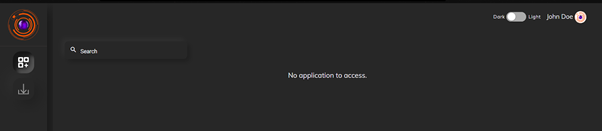
Navigate to the download icon (second icon) on the menu to the left. Download the agent for your operating system. Install the agent and login.
All the applications that you have access to will be shown on the screen
Clicking on any application will launch it within the agent.
Third party applications can be accessed through the web portal by logging to the portal as well. The would become a agentless mode of access and it should be configutred at the admin UI.